Physical Address
304 North Cardinal St.
Dorchester Center, MA 02124
Physical Address
304 North Cardinal St.
Dorchester Center, MA 02124
It’s 9 AM, you have coffee in hand, and you’re facing three client deadlines. You need to revise a logo with more “pop,” and there’s an email asking for a more polished design. Sound familiar?
Every designer feels overwhelmed by tools. There are so many apps and plugins out there, each claiming to change your workflow. How do you pick what’s really helpful?
I spent the last month talking to over 100 designers, from freelancers to agency pros, to find out which tools they actually use every day.
Forget long lists of every design app. Let’s focus on the ones designers open before their coffee kicks in — the tools they rely on. These are the essentials that help meet tight deadlines and keep clients happy.
Let’s get to the point — here are the must-have tools for designers. These aren’t just trendy apps; they’re the reliable ones that help with everything from quick sketches to final projects.
Price: Free for 3 projects, $15/month for professionals
Learning curve: 2-3 weeks to feel comfortable
Best for: UI/UX designers, team projects, client presentations
Figma stands out because it not only designs well, it also makes dealing with client feedback, team changes, and version control a breeze.
Pro tip: Use Figma’s branching feature for experimental designs. It’s like Git for designers – try wild ideas without messing up your main file.
Price: $59.99/month for everything, or $22.99/month per app
Learning curve: Steep but worth it
Best for: Print designers, photographers, anyone needing professional polish
Yes, Adobe can be pricey, and there are other options. But 73% of designers still use Adobe products daily because nothing matches its print features and industry standards.
Price: Free version available, Pro at $14.99/month
Learning curve: 1-2 hours
Best for: Social media graphics, quick client mockups, non-designers on your team
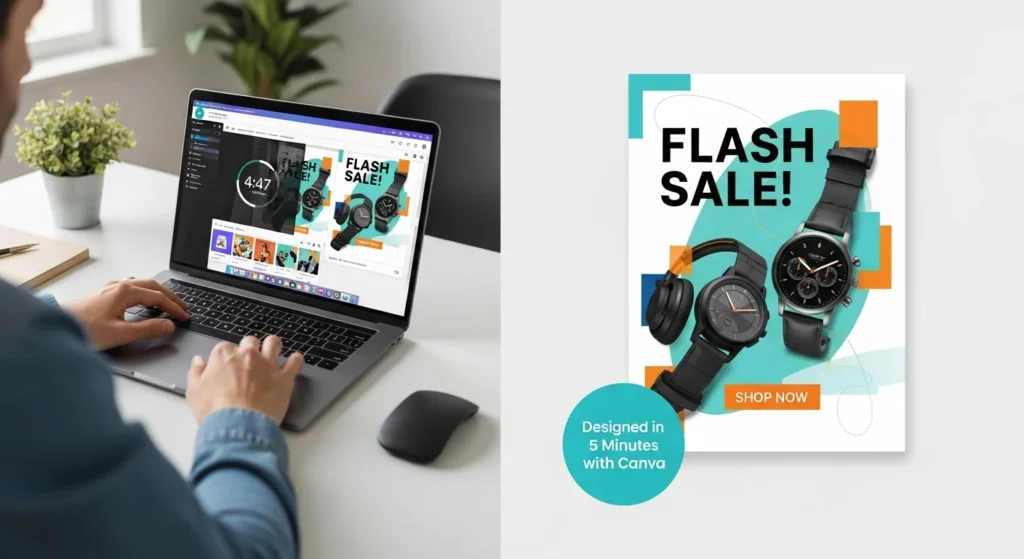
Don’t listen to design snobs — Canva Pro is a great addition to any professional toolkit. It won’t replace your main design software, but it’s fast. If a client needs 15 Instagram story templates quickly, Canva Pro has you covered.
Price: $69.99 one-time per app
Learning curve: 1-2 weeks if you know Adobe
Best for: Freelancers, Adobe refugees, anyone tired of subscriptions
The Affinity trinity (Designer, Photo, Publisher) offers 90% of Adobe’s features without the monthly credit card hit.
The elephant in the room: AI tools aren’t replacing designers, but they’re definitely changing how we work. Here are the ones actually being used daily:
Price: $10-120/month depending on usage
Use case: Concept development, mood boards, “what if” explorations
Price: Free for low-res, pay-per-image for high-res
Use case: Background removal in seconds (bye bye, pen tool for simple cuts)
Price: Included with Creative Cloud
Use case: Generative fill, quick asset creation, extending images
While software is exciting, having the right hardware is crucial for comfort and health. After struggling with neck pain and color matching, these are the investments designers love.
Whether you’re setting up your own space or searching for gifts for a designer, these hardware essentials are always at the top of wish lists. For more gift ideas that designers appreciate, check out our complete guide to graphic design gifts.
Forget everything else – if you’re designing on a laptop screen, you’re working with one hand tied behind your back. Our surveyed designers overwhelmingly recommended:
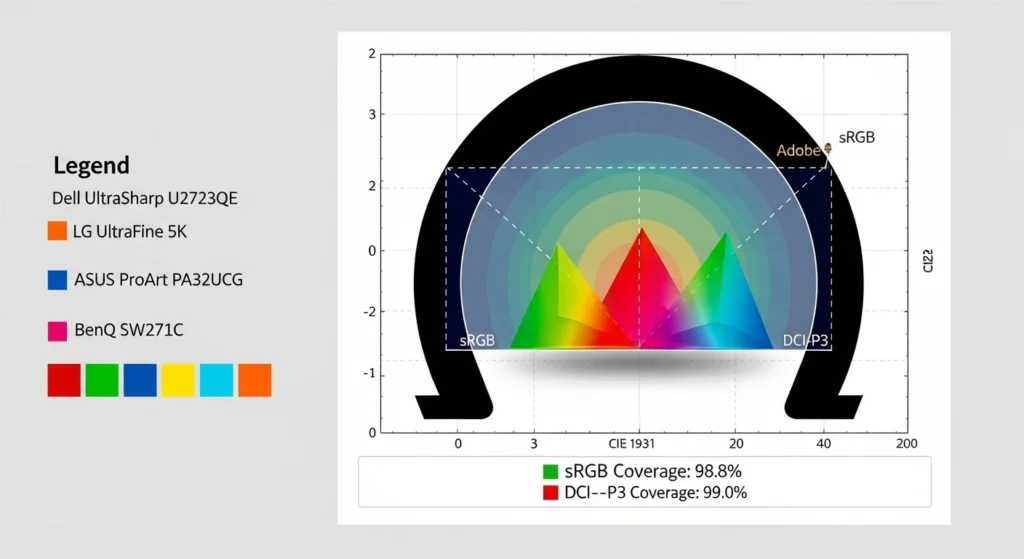
Budget Option: BenQ PD2700U (27″, 4K, 100% sRGB)
Price: Around $400
Why it works: Decent color accuracy without breaking the bank
Pro Choice: EIZO ColorEdge CG279X
Price: Around $2,000
Why it works: Hardware calibration, 99% Adobe RGB, your colors look exactly right
| Tablet | Pressure Levels | Price | Best For |
|---|---|---|---|
| Wacom Intuos Pro | 8,192 | $379 | Industry standard, most compatible |
| Huion H610 Pro | 8,192 | $89 | Budget-conscious beginners |
| iPad Pro + Apple Pencil | 4,096 | $1,100+ | Designers who travel, Procreate users |
| XP-Pen Artist 15.6 | 8,192 | $399 | Display tablet without Wacom prices |
According to discussions in drawing tablet communities, many users report their Huion tablets lasting well beyond expectations.
One user mentioned keeping their 4-5 year old Kamvas 13 despite initial plans to upgrade, stating “I’ll keep my Huion around for now, since it’s still got some juice in it
Design isn’t just about creating pretty things – it’s about managing projects, tracking time, and not losing your mind when juggling multiple clients. These daily productivity tools keep the business side running smooth.
Price: Free for personal use, $10/month for teams
Daily use: Project timelines, client databases, design system documentation
The beauty of Notion? It morphs into whatever you need. Create a client CRM, project tracker, and invoice database all in one place. Designer Tom Singh shares his setup: “Every project gets a Notion page with brief, assets, feedback, and invoice status. No more digging through emails.”
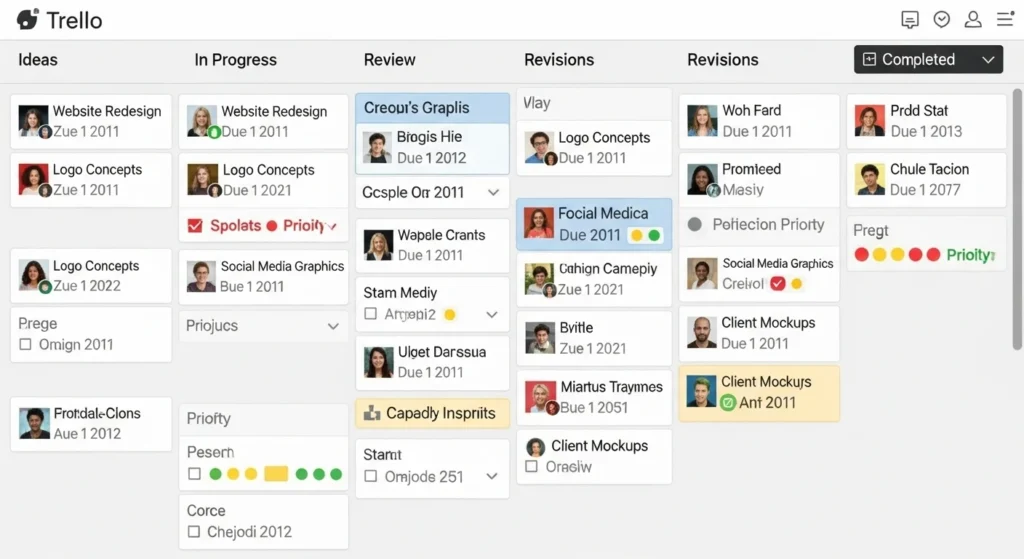
Price: Free for basic, $6/month for unlimited boards
Daily use: Visual project stages, client approval workflows
Toggl Track
Price: Free for basic, $10/month for billable rates
Why it matters: Most designers underestimate project time by 40%
“First month using Toggl, I realized I was spending 15 hours on ‘quick revisions,'” admits freelancer Amanda Ross. “My rates went up 30% after seeing real data.”
Google Drive / Dropbox
Price: 15GB free, then $2-10/month
Daily use: Client file sharing, automatic backup, version history
Price: Eagle $30 one-time, Bridge included with Adobe
Daily use: Visual asset organization, font management, inspiration library
Pro workflow: Save everything to cloud storage with date-based folders (2025-10-ClientName-ProjectName). Your future self searching for “that logo from last year” will thank you.
Slack
Price: Free for small teams
Daily use: Client channels, quick feedback, file sharing
Loom
Price: Free for 5-minute videos
Daily use: Design explanations, revision walkthroughs, “here’s why I made this choice” videos
Creative block hits everyone. These daily inspiration and resource tools keep ideas flowing when your brain feels like mashed potatoes.
Free to browse, perfect for seeing what’s trending in real-time. Pro tip: Follow designers in different countries for fresh perspectives.
The secret weapon for UI designers – real app screenshots organized by pattern. Need login screen inspiration? Here’s 500 examples from actual apps.
Like Pinterest but for designers who have taste. Less DIY crafts, more editorial design.
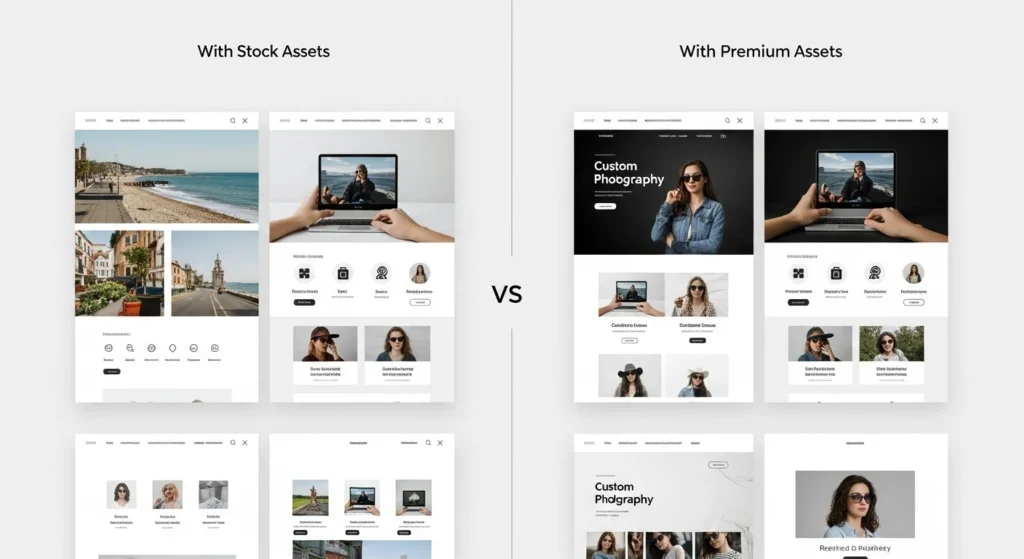
Unsplash remains the GOAT for free photos, but designers are branching out:
Coolors.co
The fastest color palette generator. Hit spacebar until something clicks, then fine-tune. Their contrast checker is also stellar for accessibility, helping ensure your designs meet WCAG contrast requirements for better user experience.
FontPair
Takes the guesswork out of font combinations. Shows real examples, not just names.
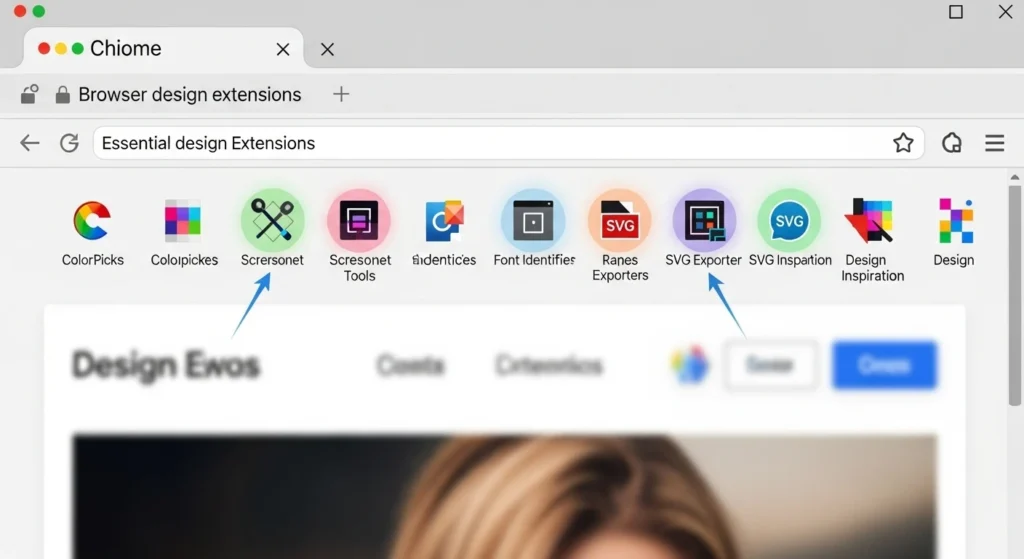
Identify any web font instantly. End the “what font is that?” mystery.
ChatGPT / Claude
“I use AI for copywriting first drafts and brainstorming taglines,” shares brand designer Alex Chen. “Saves me from staring at blank pages.”
Khroma
AI-powered color tool that learns your preferences. Like Spotify Discover but for color palettes.
These aren’t design tools per se, but every designer we surveyed mentioned using them daily. The unsung heroes of the design workflow.
Free, syncs everywhere, handles quick ideas during dog walks. “My best logo concepts come during runs. Voice notes in Apple Notes catch them,” says designer Mike Brown.
Science-backed music for concentration – research shows instrumental music without sudden melody changes can boost both mood and task performance. 68% of surveyed designers can’t work without background music.
$2 app that gamifies focus time. Plant virtual trees by not touching your phone. Surprisingly effective for deadline crunches.
$19/month for photorealistic mockups in seconds. When clients can’t visualize their logo on a business card, this saves the day.
Similar to Artboard but with more free options. Perfect for portfolio pieces.
Here’s the truth: you don’t need every tool mentioned here. Start with these core essentials based on your situation:
The tools that transform your daily workflow aren’t always the most expensive or feature-packed. They’re the ones that solve your specific pain points. Start with 2-3 core tools, master them, then expand based on actual needs, not FOMO.
Remember Sarah from the beginning, juggling three deadlines? She uses Figma for design, Notion for project management, Toggl for time tracking, and Spotify for sanity. Total cost: $35/month. Total time saved: countless hours.
Your perfect toolkit is out there. Start building it today – one tool at a time.
What tool completely changed your design workflow? Drop a comment below and help fellow designers discover their next daily essential.
Want a printable checklist of these tools organized by category and price? Download our free Daily Design Toolkit Checklist to build your perfect setup.
One-page, printable PDF to audit your design setup and plan upgrades.