Physical Address
304 North Cardinal St.
Dorchester Center, MA 02124
Physical Address
304 North Cardinal St.
Dorchester Center, MA 02124

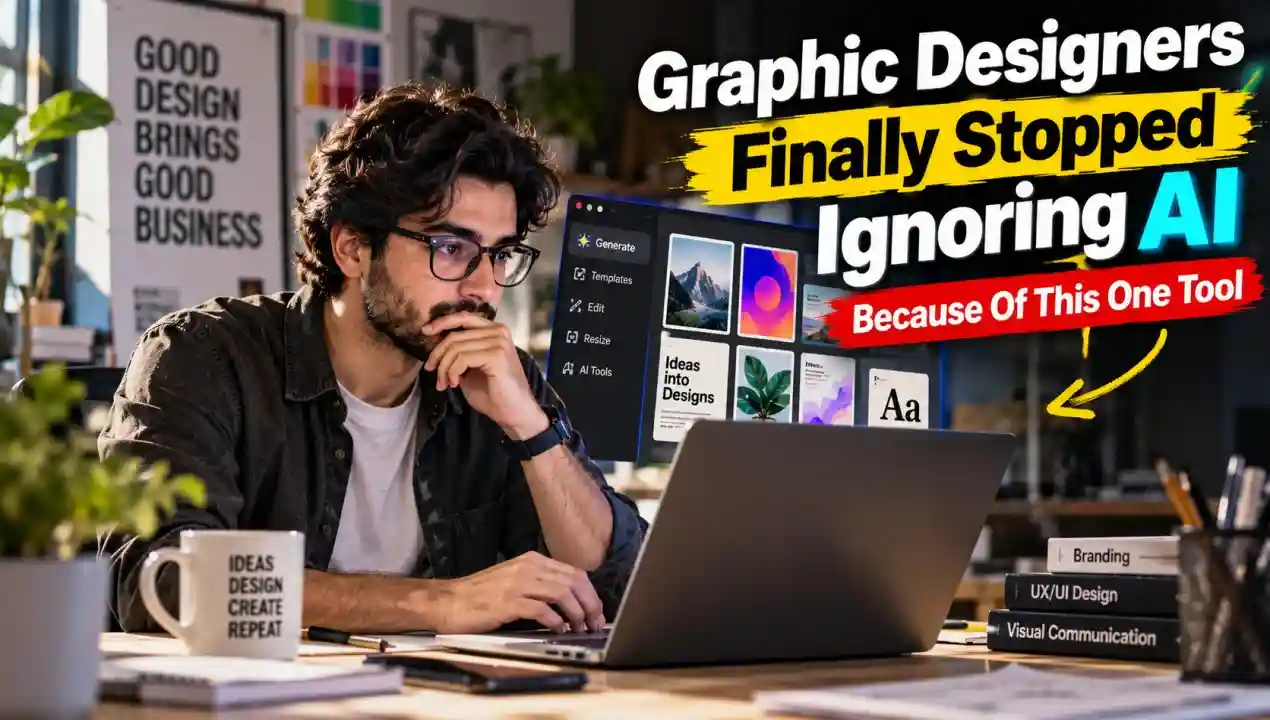
Stop judging AI by the images it makes.
Judge it by the files it hands you.
For years, designers had good reason to roll their eyes. AI image generators produced flat, raster pictures. Pretty, sure. But try editing one.
You needed to move a curve. Change a color. Fix one wonky letter. You couldn’t. The only option was to regenerate and pray.
That’s why the design world stayed skeptical. Not because designers hate technology. Because a picture you can’t edit isn’t a deliverable. It’s a screenshot.
In 2026, that changed. And it’s not about better images.
Text-to-vector AI turns a written prompt into a vector file. Not pixels. Curves and nodes.
Here’s the difference, in a real scenario. You type “minimal mountain logo, two peaks, sharp lines.”
Old AI: you get a PNG. Zoom in and it blurs. Want thicker lines? Start over.
Text-to-vector: you get a file made of curves. Zoom in forever, still sharp. Click a node, drag it, done.
That’s how a human designer builds a logo.
Now the machine builds the first draft the same way.
Magic.
According to a recent Creative Bloq report, CorelDRAW has launched an AI tool that designers might actually want to use. The reason is simple.
It doesn’t just give you a picture. It generates fully editable, scalable curves and nodes.
Type a prompt. Get a file you can tweak, recolor, and reshape. Just as if you’d drawn it yourself.
Look at the old workflow versus the new one. Before, you’d generate an image, then trace it into vectors by hand, then clean up the mess. Hours, gone. Now the tracing step is skipped, because the output is already vector.
That’s the whole story. Not “AI is smarter.” AI finally speaks the designer’s language.
Say you’re launching a startup on Monday. You need a logo, a favicon, and a few brand marks.
Old you: brief a designer, wait days, or spend an afternoon tracing and refining assets yourself.
New you: type a prompt, get an editable file in seconds, then adjust it.
Tools like Wireflow and CorelDRAW are compressing those steps from hours to seconds. That saves time. It also gives you room to try more ideas before you commit to one.
Editable AI vector generation is quickly becoming the new baseline. (Yes, baseline. Not bonus.)
Keep it simple:
Five steps. No tracing.
Let’s be honest.
“Editable” doesn’t mean “good.” An AI can hand you a file with hundreds of messy nodes. Editable, yes. Pleasant to edit? Different question.
Taste is another gap. The tool gives you options. It doesn’t tell you which one fits your brand. A logo isn’t just a shape. It’s a decision. That’s the core of the AI vs. human designer debate, AI brings speed, people bring judgment.
And a fast first draft can trick you into stopping at the first draft. (Don’t.)
Also, you should still test the output. Zoom in. Check the curves. Print a small version. Speed means nothing if the file breaks at the printer.
Take one small job this week. A logo mark, an icon, a badge.
Generate it as a vector. Open it. Pull one node.
If that feels like editing your own work, you’ve seen the shift.
AI didn’t win designers over by being smarter. It won them by being editable.