Physical Address
304 North Cardinal St.
Dorchester Center, MA 02124
Physical Address
304 North Cardinal St.
Dorchester Center, MA 02124
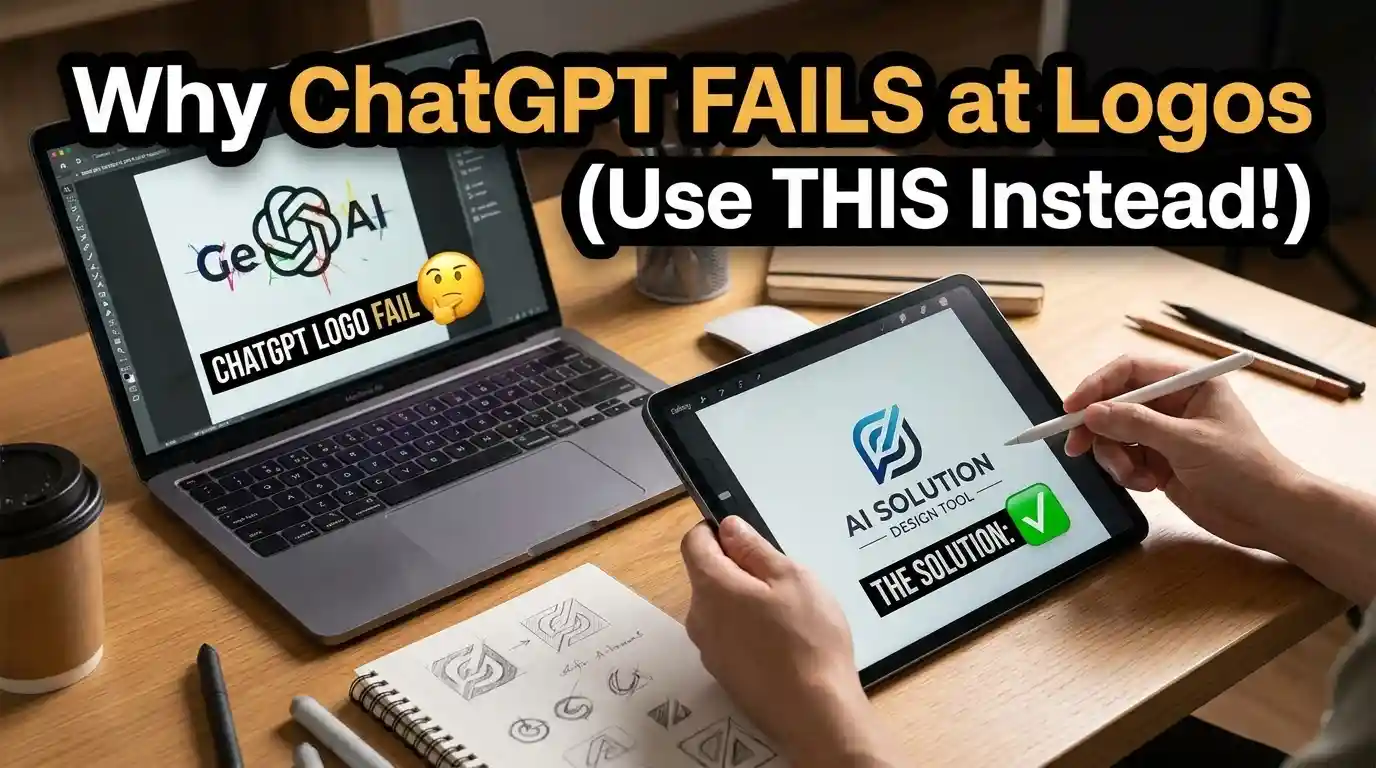
Stop asking ChatGPT to design your logo.
I tried it 14 times. Same brand brief, same prompt, small tweaks each round. 9 out of 14 came back with text errors – a brand name spelled wrong, letters melted into each other, one that just said “LOG0.”
Everyone’s doing this right now. Type a brand name into ChatGPT, ask for a logo, hope for the best. And most people are quietly disappointed and don’t say anything.
Here’s why it happens, and what actually works instead.
ChatGPT doesn’t “design” anything. It generates an image, pixel by pixel, guided by a language model that’s really good at words and only okay at shapes.
A logo isn’t just an image. It’s a vector file that needs to scale from a favicon to a billboard without turning to mush. ChatGPT gives you a flat PNG. Try shrinking it to 32×32 pixels for a browser tab – ew… it turns into a blur.
Most people do it the old way: type a prompt into ChatGPT, screenshot the result, use it anyway because redoing it feels like a hassle.
With a dedicated AI logo tool, the flow is built for exactly one job. You pick an industry, a style, a color palette. The output comes as an SVG – scalable, editable, transparent background included. No hunting for a background remover afterward.
That’s the real gap. ChatGPT is a generalist. A logo tool is a specialist.
Three things ChatGPT consistently gets wrong:
Text rendering. Ask for your brand name inside the logo and you’re gambling. Half the time the letters are garbled. I tested “Nova Roast” six times – three came back as “Nvoa Roast,” “Nova Rost,” and one unreadable scribble. This isn’t a ChatGPT-only problem – AI image generators as a category struggle to render coherent text, because they’re drawing letters as shapes rather than typing them like a language model would.
File format. You get a JPEG or PNG. No vector, no layers, no way to edit just the icon without regenerating the whole thing from scratch.
Consistency across sizes. A logo needs to work as a tiny app icon and a giant storefront sign. ChatGPT designs for one canvas size and calls it done.
To be fair – it’s not useless here.
It’s fast for mood exploration. Ten minutes, twenty rough concepts, a feel for whether you want minimal or playful. Free, too (it’s free).
It’s also decent at icon ideas without text. Drop the brand name from the prompt and ask for an abstract mark instead. Fewer letters to mangle, better odds.
If you actually need a usable logo – not just inspiration – a purpose-built AI logo generator gets you there faster. We tested five of them head-to-head so you don’t have to guess which one’s worth it:
Don’t lie to yourself: a free chatbot was never going to replace a logo designer. It was never built to.
Use ChatGPT for ten minutes of mood boarding. Then move to a real logo tool for the actual file.
That’s it.



[…] logo generator or design tool. That fits what we have already seen across general frontier models: chatbots struggle with logos because they lack vector output controls and typographic […]