Physical Address
304 North Cardinal St.
Dorchester Center, MA 02124
Physical Address
304 North Cardinal St.
Dorchester Center, MA 02124
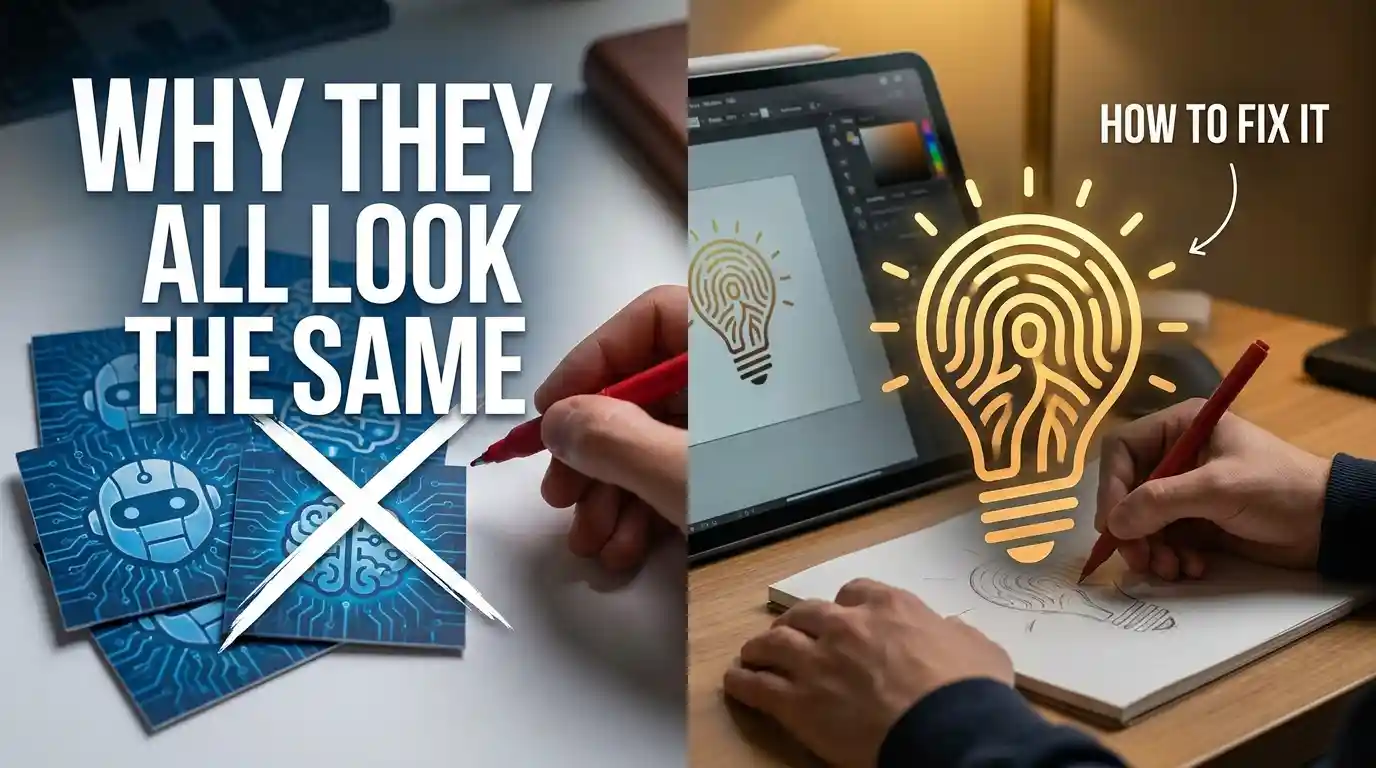
Your AI logo looks like your competitor’s logo.
And their logo looks like the one from the café down the street.
Same circle. Same icon. Same forgettable font.
90% of AI logos are clones. Not because the tools are bad. Because everyone is feeding them the same lazy input.
Here’s what’s actually happening – and how to stop it.
You’re a coffee shop owner.
You open an AI logo tool, type “coffee shop logo,” hit generate.
You get: a brown circle, a coffee cup, a serif font that screams cozy.
The yoga studio next door did the same thing. Got the same result. So did the artisan bakery. The dog groomer. The wellness brand.
Same prompt = same output. Every time.
This isn’t a glitch. It’s how these tools work. They’re trained on millions of logos, and they’ve learned what a “typical” logo in each category looks like. Type a category name → get a category average.
That average is what’s killing your brand before it even launches.
★ Remember. AI logo tools don’t create identity. They create category templates. Your job is to break out of the category.
AI logo generators are pattern machines. Like most AI image generation systems, they’re built on models that learn visual patterns, styles, and contexts from enormous training datasets rather than understanding any single brand.
They don’t know your brand. They know logos like your brand.
When you say “coffee shop,” the model thinks: brown, warm, circular, cup, steam, serif. That’s what it’s seen ten thousand times. That’s what it gives you.
The tool is not wrong. You just asked it the wrong question. (duh)
Here’s the root of it:
✦ What most people type: “coffee shop logo, modern, minimal”
✦ What the AI hears: average modern coffee shop → generate template #4
You gave it a category. It gave you the category average. Case closed.
⚠ Warning. Adding words like “unique,” “creative,” or “original” to your prompt does nothing. The AI doesn’t understand abstract intent. It responds to specific visual language only.
Here’s the real gap between a forgettable AI logo and one that actually works.
✦ Old way: Type your business name + category → accept the first result → download → move on.
✦ New way: Build a visual brief before you touch the tool. Describe the feeling, the era, the customer, and one specific visual element that’s unusual for your category.
Concrete example.
You run a specialty coffee shop for remote workers. Your customers are deep-focus people who don’t want small talk. They want a serious cup and silence.
Old prompt: “coffee shop logo, minimalist, dark”
New prompt: “coffee shop logo for introverts, muted ink-black palette, single typewriter key as icon, brutalist sans-serif font, 1980s East Berlin aesthetic, no warmth, no steam, no smiling”
Same tool. Completely different output.
That’s it.
✓ Tip. Steal from outside your category. The best coffee logo might borrow from watchmaking aesthetics. The best bakery logo might borrow from Soviet graphic design. Cross-category inspiration is where originality lives.
This is the prompt structure that breaks the clone problem. Apply it to any AI logo tool.
Step 1 – Name the anti-customer
Describe who your brand is not for. Sounds weird. Works every time.
“Not for people who want cozy. Not for Instagram brunchers.”
This forces the AI away from the category average immediately.
Step 2 – Name an era or geography
“90s Tokyo minimal.” “1970s Swiss pharmaceutical.” “Pre-war Parisian signage.”
AI tools respond well to era + place combinations because they carry specific visual memory. Your logo stops looking like 2024 and starts looking like somewhere.
Step 3 – Replace the obvious icon
Your coffee shop doesn’t need a cup. Your tech startup doesn’t need a circuit board.
Name one object from adjacent to your world. A coffee shop for night owls → an owl. A coffee shop for architects → a drafting compass. One unexpected object instantly separates you from every clone.
Step 4 – Add one deliberate imperfection
Ask for: “slightly uneven baseline,” “hand-inked texture,” “one letter with an irregular weight.”
This is the 2026 move. Brands are doing this on purpose now – injecting human imperfection into AI-generated marks so they don’t look machine-made. It’s counterintuitive and it works.
★ Remember. The goal is not to trick the AI. It’s to give the AI enough specific visual language that it can’t fall back on the template.
Be honest about this.
Even with a perfect prompt, AI logo tools have real limits.
They can’t do storytelling. A human designer can embed a hidden meaning in the negative space of a letterform. AI gives you shapes, not stories.
They struggle with uniqueness at scale. You might generate a great logo – and so might someone else using a similar prompt in the same tool. There’s no trademark check happening inside the generator, and trademark law cares only about whether your mark actually distinguishes your brand – not who or what designed it.
Typography is still weak. Custom lettering, true ligatures, hand-tuned kerning – AI tools approximate these. They don’t nail them. If type is your primary mark, get a human involved.
They can’t think in systems. A logo needs to work at 16px as a favicon and on a billboard. Most AI tools optimize for one size. Testing across contexts is still a manual step.
⚠ Warning. Don’t skip the human review. Use AI to generate the concept. Then give the best result to a designer for 1 hour of refinement. That hour is what separates a good logo from a real brand mark.
Don’t regenerate your logo yet.
Do this first.
Generate 20 variations. Pick the 3 most unexpected. Refine from there.
Your logo doesn’t need to be loved at first sight. It needs to be remembered after one second.
AI can get you there. But not with a lazy prompt.