Physical Address
304 North Cardinal St.
Dorchester Center, MA 02124
Physical Address
304 North Cardinal St.
Dorchester Center, MA 02124

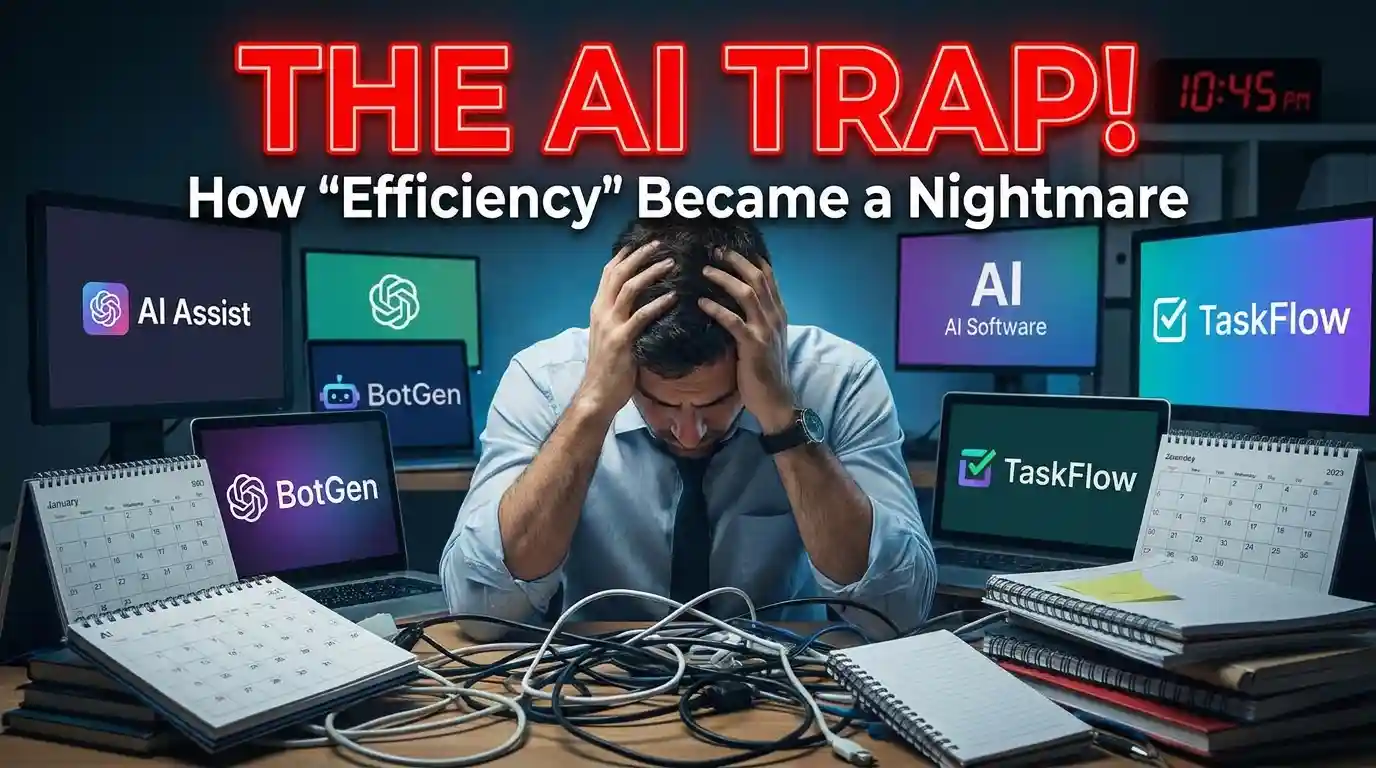
We went from 3 tools to 11. Productivity dropped. Here’s what actually happened.
More tools.
That was the plan.
Every week, a new AI tool promised to save hours. So we added it. Then another. Then three more.
By month four, we had 11 AI tools running across a 6-person team.
And we were slower than when we started.
More options create more decisions.
That’s not a productivity insight. That’s just psychology. But somehow, nobody applies it to AI tool stacks.
Here’s what a Tuesday morning looked like for us: A content brief needs to be written. Simple task. But now there’s a choice — do we use ChatGPT, Claude, Notion AI, or Jasper? Each team member had a preference. None of them were wrong. All of them were different.
We spent 20 minutes deciding which AI to use before writing a single word.
The task itself? 15 minutes.
⚠ Warning. Tool sprawl doesn’t look like chaos. It looks like optionality. That’s why you don’t notice it killing you.
Also Read : How Bootstrapped Founders Are Writing Content Without a Writer
Nobody talks about the hidden cost of AI tools.
It’s not the subscription fee. It’s the cognitive tax of switching.
Every tool has its own prompt style. Its own quirks. Its own output format. When your team members are using 4 different tools for the same task, you get 4 different outputs. Then someone has to reconcile them.
✦ Old problem: We didn’t have enough AI help.
✦ New problem: We had too many AI opinions on the same thing.
Imagine this. Three people on my team independently summarised the same research doc — one in ChatGPT, one in Claude, one in Perplexity. The summaries had different emphases. Different lengths. Different conclusions. (yes, from the same document)
We had to read all three to figure out which one to trust.
That’s not acceleration. That’s manual QA on robots.
★ Remember. When everyone uses a different tool for the same job, the team output becomes inconsistent — and inconsistency costs review time.
Blame the tools and you’ll fix nothing.
The actual problem was that we never defined what each tool was for.
We added tools reactively. Someone saw a demo. Someone read a newsletter. Someone heard a podcast. So we signed up. No policy. No assignment. No “this tool owns this job.”
The result: 11 tools, 0 clarity.
It’s the same mistake companies make with project management software. You add Asana. Then Notion. Then Linear. Then Jira. And nothing gets done in any of them because nobody agreed on where the work lives.
Asana’s own Anatomy of Work research found that knowledge workers already juggle an average of 8.8 apps – and those using 16 or more miss 25% more messages and actions than those using fewer.
The tool isn’t the strategy. The strategy is the strategy.
✓ Tip. Before adding any AI tool, write one sentence that starts with: “This tool and only this tool is used when…” If you can’t write it — don’t add the tool.
We cut from 11 tools to 3.
Not because the other 8 were bad. Because the team couldn’t be expert at 11 things simultaneously.
Here’s the framework we used:
Four weeks later, output quality went up. Review cycles went down.
Not because we got smarter. Because we stopped making micro-decisions 40 times a day.
★ Remember. Speed comes from removing decisions, not from adding capabilities.
Be honest. Don’t lie.
A larger team with clearly defined specialisations can run more tools. A 3-person startup cannot. A team with a dedicated AI lead who maintains the stack and trains people — different story.
ew… That last one happens constantly.
⚠ Warning. The worst thing you can do is add a new AI tool without retiring an old one. You’re not upgrading the stack. You’re just making it bigger.
Delete tools.
That’s it.
Not find better tools. Not A/B test two tools. Delete the ones that don’t have a clear, exclusive job.
The discipline isn’t in adding — it’s in removing.
Your competitors are stacking tools right now. They think more AI equals more speed. Let them.
You focus on one tool per job, consistent usage, clear ownership.
Less stack. More output.