Physical Address
304 North Cardinal St.
Dorchester Center, MA 02124
Physical Address
304 North Cardinal St.
Dorchester Center, MA 02124
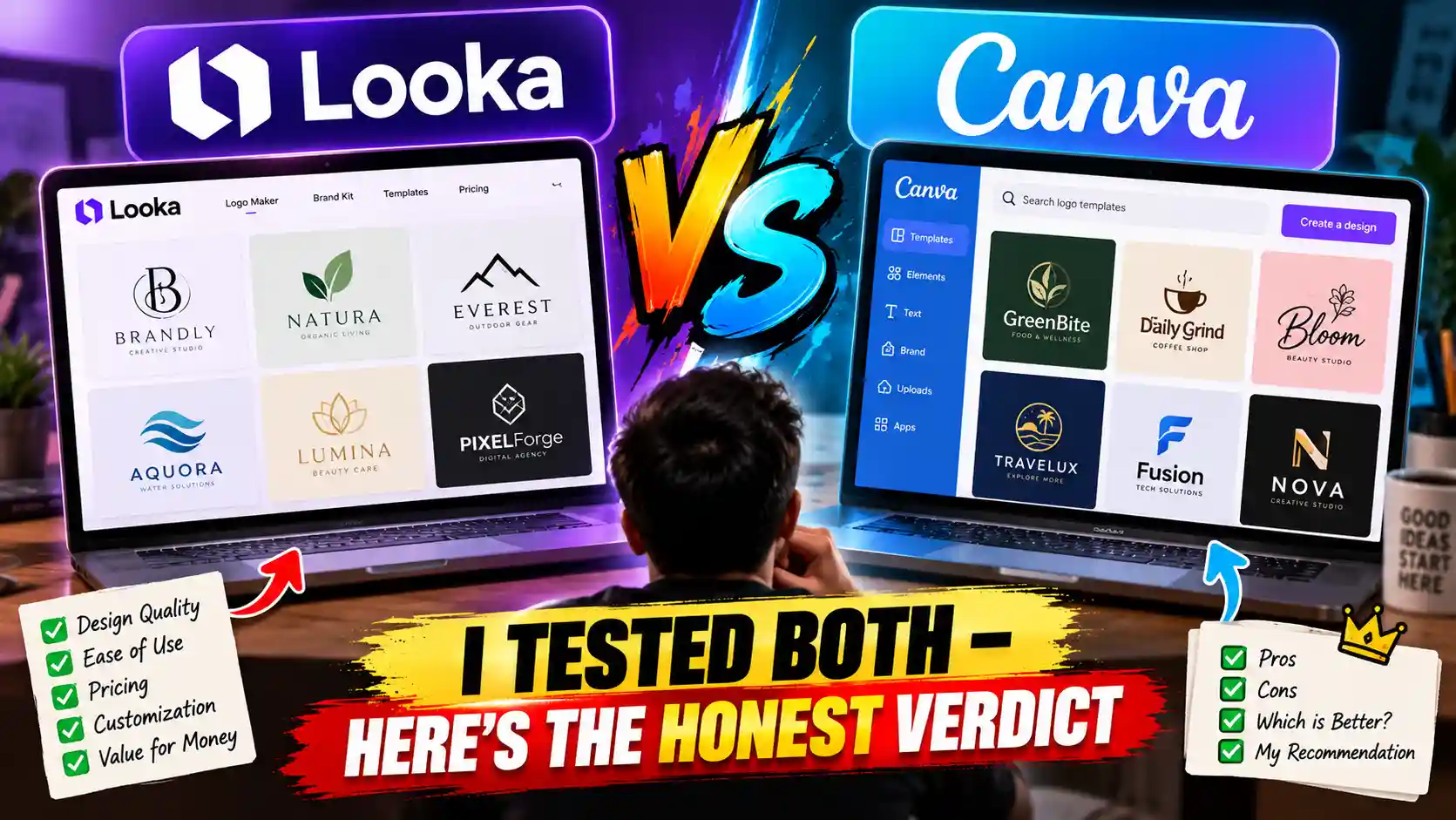
Looka is the better choice if you need a polished, ready-to-launch logo fast – especially with brand kit files included. Canva wins if you already use it for social media content and want a free or low-cost logo built inside your existing workflow.
They solve different problems. Here’s exactly what separates them, based on hands-on testing across three different business types.
Most “Looka vs Canva” comparisons treat this like a fair fight between two logo tools. It isn’t. These platforms were built with completely different goals in mind.
Looka is a logo specialist. You answer a short quiz about your brand preferences, and its AI generates polished logo concepts in minutes.
Once you pick one, it automatically builds an entire brand kit – social media banners, business cards, letterheads – all matched to your logo’s colors and fonts. Done.
Canva is a design everything-app. It has a logo maker, but that’s one feature inside a platform that also handles social posts, presentations, videos, and print materials. You start from a template and do the design work yourself.
The comparison isn’t really “which makes a better logo.” It’s “which fits how you actually work.”
| Feature | Looka | Canva |
|---|---|---|
| Logo creation method | AI-generated from your inputs | Template-based, manual editing |
| Design skill needed | None | Low to moderate |
| Free plan? | No (preview only) | Yes |
| Paid pricing | $65 one-time (logo) / $96/yr (brand kit) | $15/month or $120/year (Pro) |
| Vector (SVG) export | Yes (Premium plan) | Yes (Pro plan) |
| Brand kit included | Auto-generated | Manual (Pro only) |
| Best for | Entrepreneurs launching a brand | Existing Canva users, content creators |
To get past feature lists and into real results, I ran three separate logo creation sessions on each platform – same business brief, same time limit, honest assessment of what came out the other side.
Test 1: A neighbourhood café – warm, earthy aesthetic, consumer-facing, needs to work on a coffee cup and Instagram.
Test 2: A B2B tech consultancy – professional services, corporate tone, geometric blue-grey palette, logo needs to hold up on a pitch deck.
Test 3: A freelance portrait photographer – personal brand, elegant and minimal, feminine, needs versatility across a website header and business card.
For each test I tracked: time from opening the tool to having a logo I’d actually use, how unique the output felt, how much manual work was needed after generation, which file formats were available, and what the brand kit looked like (if included).
I also reviewed our full roundup of tested AI logo generators before running these tests to make sure the evaluation criteria were consistent.
Looka’s onboarding is genuinely fast. You type your business name, choose your industry, select a handful of style preferences from visual examples (not abstract descriptions), pick some colour palettes you like, and choose icons that feel relevant. The whole thing takes about four minutes.
From that input, Looka generates a grid of logo concepts — typically 40 to 60 variations. They’re not random. Because Looka works from curated font and icon libraries rather than generating entirely new shapes, the output is more predictably logo-appropriate than open-ended tools like Midjourney.
You’re not going to get something that looks like a painting or an illustration. You get something that looks like a logo.
In my café test, the first grid had at least eight concepts I’d have been happy to launch with. The B2B consultancy test was slightly weaker – the results leaned generic — but filtering by “minimal” brought out better options within two minutes.
The honest answer: Looka’s logos look professional out of the box because the underlying system is designed specifically around logo design principles.
The AI pairs fonts that work together, balances icon weight with text size, and applies colour in ways that hold up when you invert the logo or put it on a dark background.
What it can’t do is invent something truly original. The building blocks — fonts, icons, layout patterns — are the same ones available to every other Looka user. You’re getting a smart combination, not a custom creation.
For most small businesses launching a brand, that’s completely fine. For a brand that needs to stand out in a crowded visual category, it may not be enough.
This is where Looka separates itself clearly from every template-based competitor. The moment you finalise your logo, Looka automatically generates over 300 branded assets — Instagram posts, Facebook covers, email signatures, business card designs, letterheads, pitch deck slides, app icons — all using your exact logo, colours, and fonts.
You don’t configure anything. You don’t manually apply your brand to each template. It’s done. For a solo founder or small team who needs consistent branding across every touchpoint from day one, this is genuinely impressive.
Here’s something most comparison articles bury or skip entirely: Looka’s $20 Basic plan is not production-ready.
The Basic plan gives you a single PNG file with a coloured background. No transparent background. No vector files. You cannot use this on merchandise, signage, or print materials. You can barely use it professionally on a website.
For professional logo files you need the $65 Premium plan, which includes SVG, PDF, EPS, transparent PNG, and all size variations. That’s the minimum for a logo that works everywhere.
| Plan | Price | What You Actually Get |
|---|---|---|
| Basic | $20 (one-time) | 1 PNG, coloured background only — not production-ready |
| Premium | $65 (one-time) | SVG, EPS, PDF, transparent PNG, all sizes — professional use |
| Brand Kit | $96/year | Logo files + 300+ auto-generated branded templates |
| Brand Kit + Web | $129/year | Everything above + website builder |
⚠️ Watch out: Many users buy the $20 Basic plan expecting to get a professional logo and are disappointed. The $65 Premium is the real product. Think of Basic as a paid preview.
Canva actually offers two separate ways to make a logo, which most people don’t realise.
The first is the Template Logo Maker – a drag-and-drop editor with a large library of pre-designed logo templates you can customise by changing fonts, colours, icons, and layouts. This is what most people think of as “the Canva logo maker.”
The second is the AI Logo Generator, powered by Canva’s Dream Lab model. You type a text description of what you want (“minimalist logo for a sustainable skincare brand, earthy green and cream tones, leaf icon”), and it generates logo options using generative AI.
This is more recent and more experimental – the results are creative but less reliably logo-appropriate than Looka’s output.
For most users, the Template Logo Maker is the right starting point. The AI generator is worth exploring once you’ve exhausted the template options or need something more conceptual.
The core trade-off is control versus convenience. Canva gives you complete freedom to adjust every element – you choose the font pairing, you decide the icon weight, you set the colour balance.
If you have a clear vision and some design instinct, you can produce something more tailored than anything Looka generates.
The flip side: you’re making all those decisions yourself. For someone without design experience, a blank template can be paralysing. Looka removes that friction entirely by making the decisions for you based on your stated preferences.
In my photographer test, Canva took significantly longer than Looka to reach an equivalent result – but the final output was more distinctly personal, because I built it myself rather than selecting from generated options.
Canva’s biggest practical advantage is one that doesn’t appear in any feature comparison: if you’re already using it for social media content, your logo lives in the same workspace as everything else.
No exporting, no reformatting, no switching apps. You design a post, drop in your logo from the brand kit, resize for Instagram Stories, and export — all in one tab.
For solo creators or small teams who live in Canva daily, this convenience compounds over time into a meaningful productivity advantage.
Canva has a real weakness that’s worth being direct about: popular logo templates get used by a lot of businesses.
If you take a widely-used template and change only the business name and primary colour, your logo will look like thousands of others. This isn’t hypothetical — it’s a documented pattern.
The solution is heavy customisation: change the font pairing, replace the icon, adjust the layout proportions, shift the colour balance.
If you’re willing to put in that work, Canva can produce something distinctive. If you’re going to make minimal changes and call it done, the output will feel generic.
| Plan | Price | Relevant Logo Features |
|---|---|---|
| Free | $0 | Template library, basic editor, PNG download |
| Pro | $12.99/month or $119.99/year | AI Logo Generator, SVG export, background remover, brand kit |
| Teams | $14.99/month (5 users) | All Pro + collaboration and approval workflows |
Out of the box, Looka wins. The AI consistently produces logos that look finished and intentional with no effort from the user. Canva can match or exceed Looka’s quality, but only if you invest real time in customisation.
Verdict: Looka for most users. Canva for designers willing to build something deliberately.
Looka took me 7 minutes from opening the tool to having a logo I’d launch with. Canva took between 25 and 45 minutes to reach an equivalent result, depending on how much customisation felt necessary.
That said, Canva’s interface is intuitive once you know it. The gap narrows the more familiar you are with the platform.
Verdict: Looka is meaningfully faster, especially for first-time users.
On their respective paid plans, both deliver professional vector files. Looka Premium ($65 one-time) includes SVG, EPS, PDF, and transparent PNG. Canva Pro ($12.99/month) includes SVG export and background removal.
The key difference is Looka’s $20 Basic plan — a trap for users who don’t read the fine print. Canva’s free plan also only offers PNG, but it’s clearer about what’s missing.
Verdict: Equal on paid plans. Looka’s Basic tier is misleadingly limited.
This is Looka’s clearest win. Over 300 auto-generated branded templates created the moment you finalise your logo, no configuration required. Canva Pro includes a brand kit feature, but you manually apply your colours, fonts, and logo to each template yourself.
If you need brand consistency across multiple touchpoints from day one and don’t want to spend hours applying your logo to templates, Looka’s approach is significantly more efficient.
Verdict: Looka — and it’s not particularly close.
For logo-only use: Looka’s $65 one-time fee is cheaper than one year of Canva Pro ($120). You own the files outright with no recurring cost.
For broader design use: Canva Pro at $15/month gives you access to an enormous design platform – social graphics, presentations, video, print templates, and a logo maker – all for less than what Looka charges for its annual brand kit subscription.
Verdict: Looka if you only need a logo. Canva Pro if you’ll use it as your main design tool.
Looka lets you adjust colours, fonts, icons, and layout proportions within its system. You can’t upload a custom font by name — you scroll and select visually — and the customisation range is narrower than Canva’s. One real user complaint from early 2026: you’re limited to preset colour values and can’t always enter exact hex codes without workarounds.
Canva gives you complete freedom over every element — pixel-level control if you want it.
Verdict: Canva if precise control matters. Looka if speed matters more than fine-tuning.
Use Looka if:
Use Canva if:
For most people reading this, the decision is straightforward.
If you’re starting a business and need a logo: Buy Looka Premium once for $65. You get professional vector files, a transparent background PNG, and over 300 auto-generated branded templates. The total time investment is under 15 minutes. You’re done.
If you’re already a Canva Pro subscriber: Use Canva’s logo maker. The quality ceiling is high if you customise seriously, and keeping everything in one platform is a genuine workflow advantage.
If your budget is zero: Canva Free is your only real option – Looka’s free plan only lets you preview logos without downloading anything usable.
Bottom line: For most new business owners – buy Looka Premium once, get professional files, and move on to building your business. For content creators and designers already living in Canva – use Canva, but customise heavily to avoid looking like every other small business that used the same template.
Neither tool is a substitute for a professional designer if you need something truly original and strategically considered. But for launching a brand without a design budget, both are genuinely good – and now you know exactly which one fits your situation.
Looka is generally the better choice for startups. The AI generates polished options based on your inputs, the $65 Premium plan includes all vector files needed for professional use, and the auto-generated brand kit saves significant time. Canva requires more design effort to reach an equivalent result.
Yes, but with an important caveat. Canva’s templates can produce professional-looking logos if you invest time in heavy customisation. The risk is using popular templates with minimal changes – your logo could end up looking similar to thousands of other small businesses.
Only as a preview. The free plan shows you logo concepts but won’t let you download anything usable. Even the $20 Basic plan only delivers a single coloured-background PNG, which isn’t suitable for professional use. The $65 Premium plan is the minimum purchase that makes practical sense.
No. SVG export requires Canva Pro at $12.99/month. The free plan is limited to PNG downloads only.
For logo-only use, Looka is cheaper: a one-time $65 payment vs Canva Pro at approximately $156/year. If you’ll use Canva as your primary design tool for social media, presentations, and marketing content, Canva Pro offers significantly more value for the price.
Looka uses AI to combine your style preferences and generate logo concepts, but it draws from curated font and icon libraries rather than inventing entirely new shapes.
This makes the output reliably logo-appropriate – clean, scalable, professional – rather than the more unpredictable results you’d get from open-ended image AI tools like Midjourney or DALL-E.
If you want fully generative AI logo creation, tools like LogoDiffusion work differently and are worth exploring.
Looking for more comparisons? See our full roundup of the best AI logo generators in 2026, or explore 50+ AI logo prompt formulas if you’re building logos in Midjourney or Ideogram instead.