Physical Address
304 North Cardinal St.
Dorchester Center, MA 02124
Physical Address
304 North Cardinal St.
Dorchester Center, MA 02124
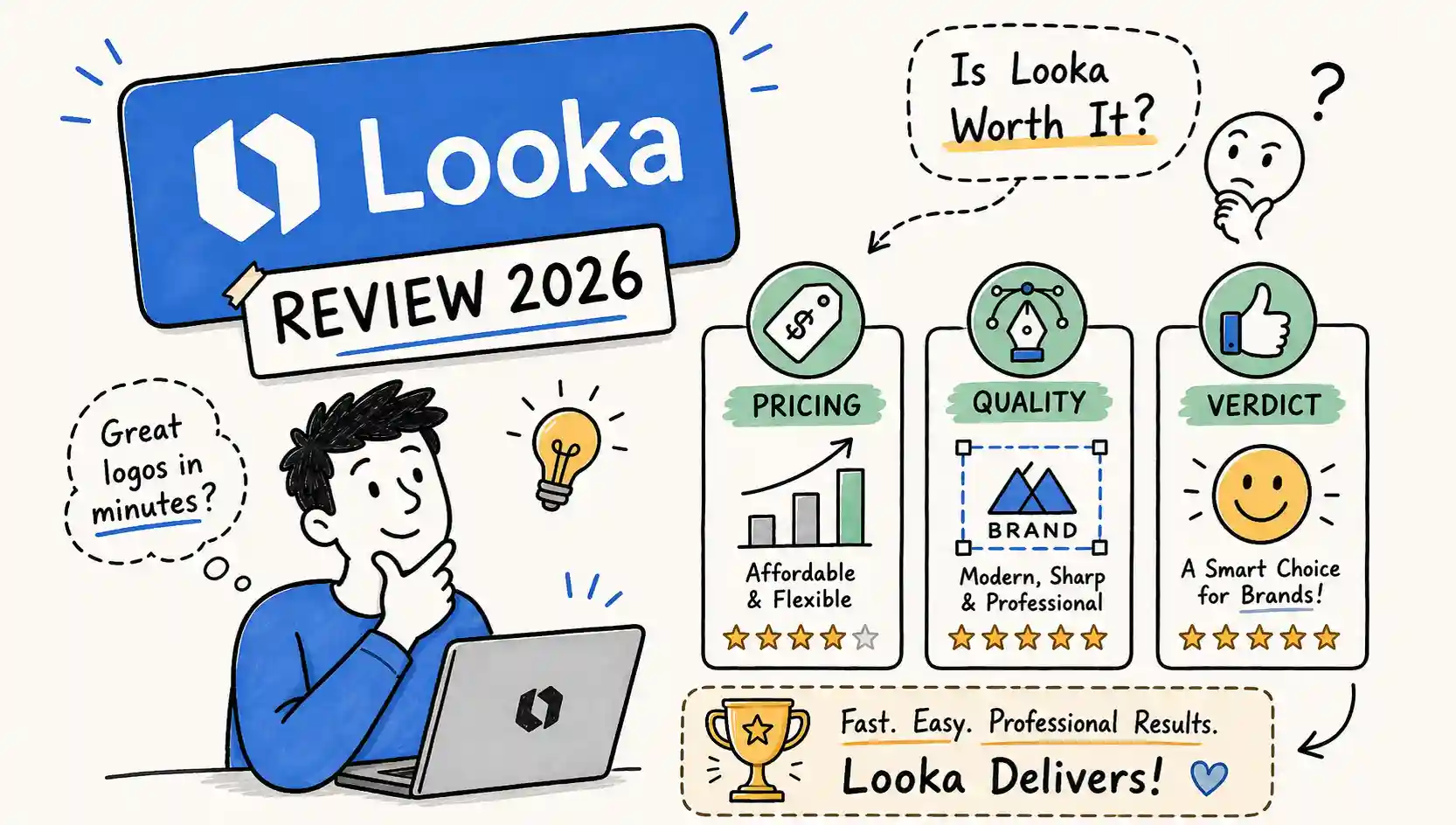
This Looka review is based on what the platform actually delivers: the interface, the files, the quality, and the fine print that most reviews gloss over.
Looka attracts strong opinions, founders call it a game-changer, while frustrated buyers warn others away after a confusing purchase. The truth is less dramatic and more useful than either camp suggests.
At LogoAITool, we approach every tool review as a purchasing decision, not a feature showcase. Looka’s marketing is polished and the onboarding is genuinely smooth, but the plan you choose determines whether you walk away with a commercial-ready logo or a low-resolution PNG you can’t print. That distinction matters, and it starts at the pricing page.
This Looka review covers four areas: how the builder actually works in practice, what each pricing tier delivers, whether the logo quality holds up, and who this tool is genuinely built for. By the end, you’ll know whether Looka is worth your money, and which plan to buy if you decide it is.
Looka’s onboarding is structured and fast. You enter your brand name, select your industry, choose from style preferences and color palettes, and pick a few icons that match your aesthetic direction. From that input, Looka generates a concept grid.
Looka’s own pages describe the output as hundreds of options; based on hands-on testing and published third-party walkthroughs, most users see roughly 40 to 50 concepts in the initial batch.
Before you pay anything, you can swap icons, adjust color schemes, and browse layout variations. The speed is real: a first-time user with no design background can get from signup to a usable concept grid in just a few minutes.
The editor is limited but well-labeled. Controls stay focused on logo-specific adjustments, which means there’s very little to learn.
For an Etsy seller or early-stage founder who has never opened Illustrator, the interface doesn’t feel like a design tool, it feels like a configuration panel, and that’s intentional.
The critical restriction to understand before purchasing: the customization available before you buy is more flexible than what you get after. Post-purchase, you can edit colors, fonts, spacing, symbols, and layout. What you cannot change is the business name.
Once the files are delivered, the company name on the logo is locked, and changing it requires purchasing a new logo or contacting support. This single limitation shapes the entire Looka experience. The workflow is built around the purchase event, not around iterative design refinement.
Looka offers four plans in 2026. The differences between them are significant enough that choosing the wrong one is genuinely costly, so understanding what each tier includes before you click purchase is essential.
The Premium Logo plan includes full ownership and lifetime use rights for the files. The Brand Kit tiers carry the same logo ownership, but access to the branded templates is subscription-dependent: if you cancel, downloaded files remain yours, but template access ends when the subscription period expires.
Looka’s refund policy is strict. You have a 7-day window from purchase, and only if you have not downloaded or received the files by email. Once the files are delivered, Looka does not issue refunds. For subscriptions, cancellation stops auto-renewal but does not trigger a refund for unused time.
Some users on Reddit and Trustpilot report discovering this policy after the fact, after files were already delivered or the subscription auto-renewed. Knowing it before you click purchase is not a minor detail; it’s the difference between a smart buy and a frustrating dispute.
On technical execution, Looka performs well. The logos are clean, legible, and well-proportioned. Typography, color harmony, and spacing are handled consistently at a level that reads as professional, a step up from most free drag-and-drop tools, based on the pattern of user reviews across G2 and Trustpilot.
The SVG files from the Premium plan are genuinely print-ready, and the file package is complete enough for professional use across digital and physical applications.
The weakness is originality. Looka’s icon library is shared across all users, and the layout patterns are recognizable once you’ve seen enough of them.
Two businesses choosing the same industry and similar style preferences can land on logos that feel closely related. That’s not a failure of execution, it’s a structural limitation of template-driven AI generation.
Multiple independent reviewers identify a recognizable Looka aesthetic: clean, modern, and professional, but templated enough that experienced designers can often identify the source.
Looka’s own showcase features brands like Spoon & Fork, Vivox, and Gravity Wave, and these do look polished. The question worth asking before purchasing is whether your brand needs to look polished or needs to look distinct.
For a founder testing market fit or launching an MVP on a tight timeline, polished and functional is often sufficient. For a brand building long-term equity in a competitive market, the common icon pool is a real constraint.
This isn’t a reason to dismiss Looka; it’s a reason to be honest about what stage your brand is at before spending $65 or $96.
Across Trustpilot and G2, the most repeated compliments are speed, ease of use, and responsive customer support. Trustpilot’s own data shows Looka typically replies within one to two weeks, and individual reviews frequently describe resolution times as fast as five minutes for billing and account issues.
First-time users, particularly those with no design background, consistently praise the fact that they produced something credible without needing any technical skill.
The Brand Kit templates receive specific praise from solo operators who use them to maintain visual consistency across social media and print. For someone who would otherwise hire a designer for each individual asset, the template library solves a real workflow problem.
The most persistent complaint across Reddit and Trustpilot is limited post-purchase editing. Users who expect to refine their logo after buying frequently report frustration with the locked business name and the narrower range of adjustments available once files are delivered.
The gap between pre-purchase flexibility and post-purchase control is the single most consistent source of dissatisfaction in the user feedback record.
Subscription billing is the second major complaint category. Auto-renewal confusion and difficulty getting refunds show up repeatedly in Reddit threads, often from buyers who purchased impulsively and assumed a standard 30-day return window applied.
A separate thread of complaints on G2 centers on the designs feeling generic relative to what a mid-tier Fiverr designer produces for comparable money, though this critique is less about Looka failing its promises and more about buyers expecting something the platform isn’t designed to deliver.
Canva is a broader design platform where the logo builder is one feature among dozens. It excels at ongoing content creation and social media work, but it’s not built around logo ownership the way Looka is.
Commercial rights on Canva also get complicated when stock elements are involved, which makes the ownership picture less clean than Looka’s Premium plan. For users focused specifically on logo ownership and file completeness, Looka has a clearer advantage here.
Tailor Brands runs a similar AI-driven branding model but pushes harder toward ongoing subscription tiers. Extracting just a logo file with clean, transferable ownership rights is harder to do with Tailor Brands than with Looka’s one-time Premium purchase.
Fiverr can produce a custom, human-designed logo at a comparable price to Looka Premium, but quality varies significantly by freelancer, revision rights are not standardized, and you need to verify ownership transfer terms before placing an order.
99designs gives you multiple original concepts from real designers starting around $299, which puts it in a different budget category entirely.
It’s the right choice when originality is non-negotiable and the budget supports it, but it’s not a direct Looka alternative for cost-conscious founders.
If your comparison is between Looka and other AI-specific tools rather than traditional design services, the calculus changes.
We’ve covered how Looka holds up against ChatGPT for logo design (they solve completely different problems), and how DesignEvo compares to Canva for logo-specific use cases.
Those comparisons are worth reading alongside this Looka logo maker review if your question isn’t just whether to buy Looka, but which category of tool fits your situation and budget.
Looka’s Premium plan is a reasonable purchase for a first-time founder or Etsy seller who needs a professional-looking logo fast, has no design background, and understands they’re trading originality for speed and affordability.
At $65 for a complete file package with full ownership rights, it delivers on that specific promise consistently.
The Brand Kit subscription at $96 per year makes sense for solo operators who want consistent branded templates across social and print without managing multiple tools, and that’s where the Looka brand kit review feedback skews most positive.
If your business is pre-launch, bootstrapped, and needs something functional within 24 hours, Looka Premium is a legitimate solution. You get the files, you own them outright, and the quality is high enough for professional use across digital and print applications.
Skip Looka if your brand identity is a genuine competitive differentiator. If you need a logo that doesn’t read as template-generated to your audience, a mid-tier Fiverr designer or a 99designs contest is a better use of the same or similar budget. Skip the Basic plan entirely.
A $20 low-resolution PNG has almost no practical utility for any business that will print materials, use scalable files, or present a professional appearance on high-resolution screens.
Skip the Brand Kit subscription if you’re already comfortable in Canva or have a designer handling your assets; the templates are useful but not irreplaceable for someone with an existing design workflow. For a broader look at Looka alternatives, LogoAITool’s comparison guides cover the field in more detail.
Overall, this Looka review finds the Premium plan the best value for founders who need to launch without a design budget.
The technical execution is genuinely strong, the file package is complete, and the ownership rights are clear. Those are real advantages that many competing tools don’t deliver as cleanly at this price point.
The purchase logic is straightforward: buy Premium at $65 if you want clean, scalable files with full commercial ownership rights.
Consider the Brand Kit subscription at $96 per year only if the template ecosystem solves a real, recurring workflow problem for your brand.
Do not buy the Basic plan for any business use case, and go in knowing the refund window is seven days from purchase with files undelivered.
The core limitation is real but manageable: logo quality is technically strong, originality is limited by the overlapping icon set, and post-purchase editing is more restrictive than most buyers expect.
Before making a final call, check LogoAITool’s comparisons on Looka versus ChatGPT for logo design and DesignEvo versus Canva.
Getting the category right matters as much as getting the tool right, and those comparisons will tell you whether Looka is the right type of solution for where your brand actually is.
Looka is worth it if you purchase the Premium plan at $65. You get a complete, print-ready file package with full commercial ownership. It’s not worth it at the Basic tier, which delivers a single low-resolution PNG with limited practical use.
Looka offers four tiers: Basic ($20 one-time), Premium ($65 one-time), Brand Kit ($96/year), and Brand Kit Web ($129/year). Premium is the minimum viable option for business use. The Brand Kit subscription makes sense only if you need ongoing branded templates across social and print assets.
Looka vs. Canva comes down to purpose. Looka is built specifically around logo ownership and file delivery. Canva is a general design platform where logo creation is one feature among many, and commercial rights can get complicated depending on the elements used. For logo ownership clarity, Looka has the cleaner offer.
The best Looka alternatives depend on your budget and needs. For AI-driven options, tools like DesignEvo offer comparable functionality. For custom human-designed work, mid-tier Fiverr designers or 99designs contests are the main alternatives, with 99designs starting around $299 for multiple original concepts. LogoAITool’s comparison guides cover these options in detail.
Looka’s refund policy allows returns within 7 days of purchase, but only if the files have not been downloaded or delivered by email. Once files are received, Looka does not issue refunds. For subscriptions, cancellation stops future billing but does not refund unused time in the current term.
The Premium Logo plan includes high-resolution PNG, SVG, EPS, and PDF files, along with multiple color variations and transparent-background versions. These files are print-ready and cover the full range of professional digital and physical applications.
The Looka brand kit subscription at $96 per year makes sense for solo operators who need consistent branded templates across social media, business cards, and print without managing a separate design workflow. If you already use Canva or have a designer on retainer, the added value is limited.